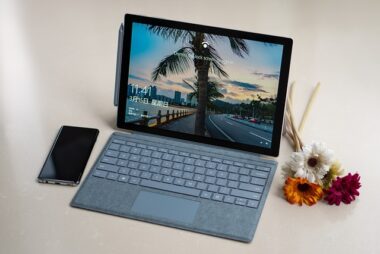
Should I disable S mode on my new notebook with Windows 11 or not? (Q&A)

Bought a budget Windows 11 laptop stuck in S mode? It only runs Microsoft apps, blocking Chrome and other favourites. S mode boosts security but limits your choices. If you need non-Microsoft programs, switch it off – just remember the change is permanent. Worth knowing too: cheap S mode laptops often skimp on RAM, processor and storage, so demanding tasks may struggle. Read on before you decide.
Should I disable S mode on my new notebook with Windows 11 or not? (Q&A)

Question: I bought an inexpensive notebook from Lenovo. After buying it, I noticed that Windows 11 is pre-installed in S mode. Only Microsoft apps can be installed. My previously used Chrome browser and other programs that are important to me cannot be used.

I am offered to switch off S mode. A warning appears that the deactivation cannot be reversed. Do you still recommend that I switch off S mode, or do I now have to live with S mode ...

Premium article

This article is part of our Premium subscription. Unlimited access to over 500 guides.