Make letters super large in no time at all

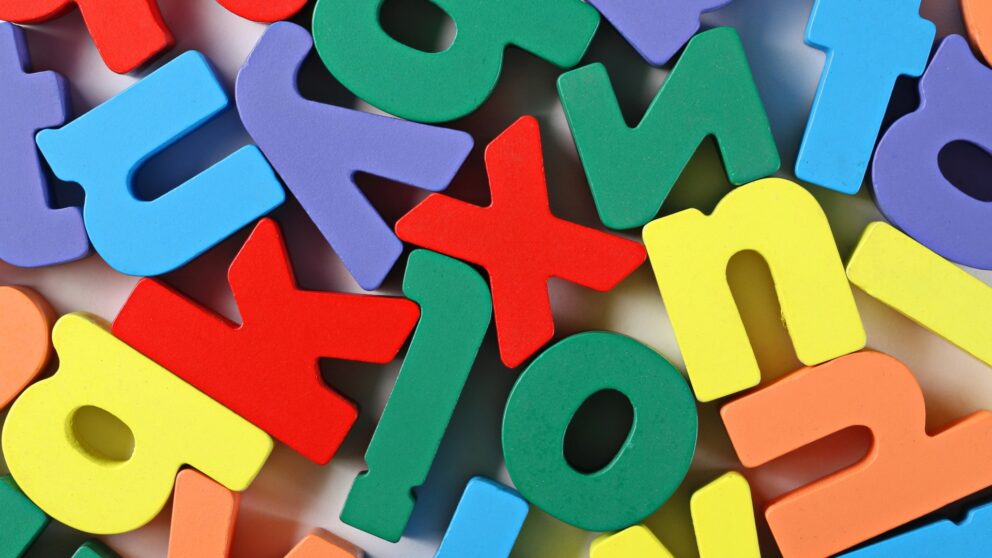
Word large letters transform a simple word into a full-page visual statement — no specialist software required. By setting the font size to 550 points, each letter fills an entire page, making this technique perfect for banners, party decorations, or any occasion that calls for bold, page-filling text. Page breaks ensure every letter sits neatly on its own sheet, ready to print, fold, and display. A final touch of creative formatting — such as assigning a different colour to each letter — adds a personal, polished finish. Read on for the complete step-by-step guide to creating oversized letters in Word that make an immediate impression.
Make letters super large in no time at all

Viktoria S. asks:
We have another children’s birthday party coming up next month. We want to celebrate in the garden and my children have given me the idea of hanging up a welcome message. We want to hang a washing line over the entrance to the garden and hang the word “Welcome” on it in large letters. Each letter should be on a separate page. Can Word even create letters that big?

Saskia Gießen answers:
Dear Ms. S., with just ...

Premium article

This article is part of our Premium subscription. Unlimited access to over 500 guides.