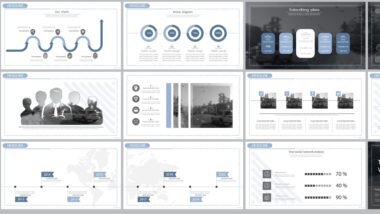
Lots of slides and no overview? How to summarize several slides by topic

PowerPoint's "Sections" feature helps organise large presentations. Group slides by topic using Start > Section > Add Section, name each section, and manage them easily. Collapse or expand sections to focus on specific slides, rename or move sections, and use them for team collaboration or printing. Save time and improve navigation.
Lots of slides and no overview? How to summarize several slides by topic

Tabea D. asks:
The presentation I’m currently working on already has 20 slides and I’m nowhere near finished. I can’t get rid of the feeling that I’m losing the overview. I find scrolling through the navigation pane to find a particular slide annoying and it’s taking me an endless amount of time. Is there a trick I can use to summarize the slides on a particular topic?

Hiroshi Nakanishi answers:
Dear Ms. D., the command that will save you a ...

Premium article

This article is part of our Premium subscription. Unlimited access to over 500 guides.