Carsten A. asks:
I regularly create complex illustrations in PowerPoint using several different shape elements. To do this, I often stack several elements on top of each other, which then disappear one after the other during the presentation. For example, if I want to edit the lowest shape element, I have to move the ones above it. Only when I see the bottom element can I edit it. I then have to move the other form elements back to their ...
Find out how to find hidden arrows, rectangles etc. on your slide
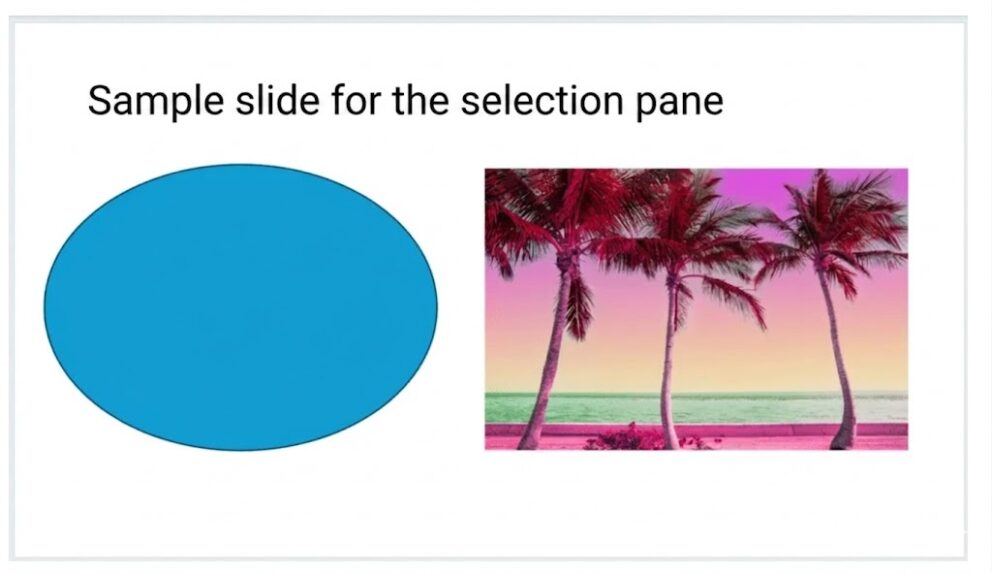
PowerPoint's Selection Pane makes editing overlapping shapes effortless. Access it via Home > Select > Selection Range to see every element on your slide. Hide objects with a click to reveal hidden layers, rename them for clarity, drag to reorder, and lock shapes to prevent accidental movement. No more shifting elements manually — edit hidden content quickly and precisely.
5 Min. reading time
15 January 2026