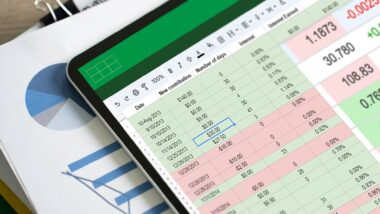
Learn everything about pivot tables step by step
Excel pivot tables are one of the most powerful tools available for fast, flexible data analysis — with no complicated formulas required. The foundation of any reliable evaluation is a dynamic table, which ensures your pivot table always reflects the most current data. With just a few clicks, you can transform structured lists into meaningful reports: turnover per salesperson, average values, percentages, or custom calculations such as currency conversions. Built-in sorting and filtering functions — complemented by visual slicers and timelines — allow precise, intuitive control over your analysis. For grouped data, shares of the overall result or of parent groups can be calculated in seconds via the context menu. Layout options — compact, structured, or tabular — let you tailor the presentation to your exact reporting needs. Note that a pivot table does not update automatically: after any change to the source data, a right-click followed by the Refresh command is all it takes to synchronise the results. Discover in nine lessons how straightforward professional data analysis can truly be.