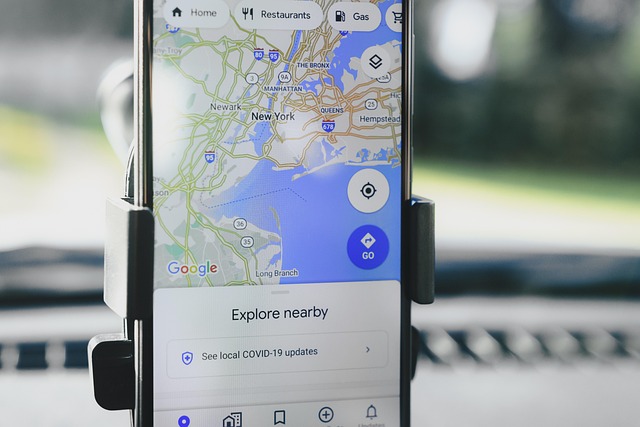
On my iPhone, I like to use the Maps app to get directions from A to B. What bothers me a bit, though, is that I always have to enter the destination using the tiny iPhone keyboard. If my Mac is within reach, I prefer to use the computer’s keyboard. That way, I can enter the destination more comfortably and then send the route to my iPhone with a click of the mouse.
Navigate Smart. Here’s How to Plan a Route on Your Mac and Transfer It to Your iPhone
5 Min. reading time
28 February 2025